












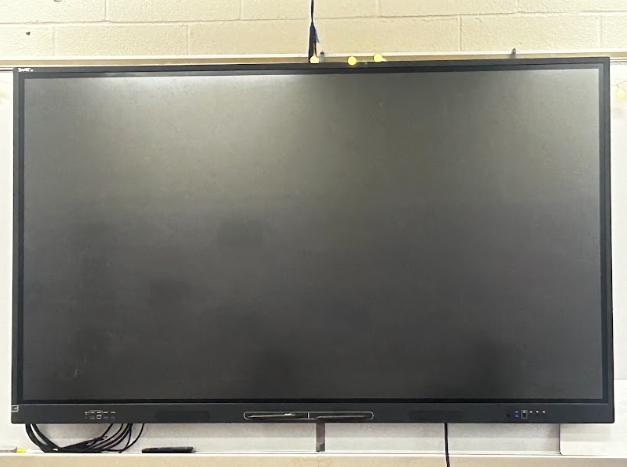
Before Danbury High School (DHS) decided to install brand-new boards in each classroom, there were projectors on the ceiling. Why were the projectors removed and replaced with new “SMART” boards?
“I think the school got the new SMART boards because they thought it would be more efficient for the teachers,” said Nicole Schirmer, an [study-skills] teacher at DHS.
Danbury High School has made some new changes throughout the building. They decided to add new SMART boards to the classrooms and, in turn, got rid of the “obsolete” projectors.
The new boards are a significant upgrade; they are a major change from the projectors and overall seem to be more efficient and a step forward for the teachers.
Every teacher is different and has a different opinion about the SMART boards. Some are comfortable with them and were able to figure out all of the bells and whistles themselves; however, others have had a more difficult time and needed help transitioning to the new technology.
“It was pretty easy for me to set it up, play around with it, and figure out most of it,” said Rachel Korzendorfer, a social studies teacher at DHS.
“Other teachers have struggled a little, depending [on] how comfortable they are with technology,” said Korzendorfer.
While the transition was smoother for some than others, the teachers at DHS can do many things with the SMART boards. They can connect two people at a time, highlight and annotate what they are showing on the board, and project a timer.
“There’s this new feature in the settings I like where you [can] set up two students on the board at the same time, and I like being able to highlight, annotate,and have everything stored. The timer is also helpful,” Korzendorfer explained.
When students are doing their work independently or with small groups, some teachers like putting on relaxing music.
“I like playing focus or relaxing music for the students,” Schirmer and Korzendorfer agreed.
These boards might be new, but that doesn’t mean teachers don’t sometimes have a difficult time with them. There have been reported issues with glitching and lagging, internet connectivity, privacy issues, and more.
“I don’t like when I’m trying to connect to the internet and it doesn’t connect,” said Schirmer.
“When I was writing on the board with the Kami app,it would glitch,” said Korzendorfer.
Korzendorfer explained that she tried writing on the board, and the app occasionally glitches.
“When I would write on the board, the Kami document would disappear,” said Korzendorfer.
Schirmer has mixed feelings about these new boards. She mentioned a privacy issue with the SMART boards.
“A student outside the class could screen mirror and click on my room number, and their screen will pop up on the board,” Schirmer explained.
But Korzendorfer believes the school getting new boards is an improvement because they are more organized, help students stay engaged, and allow teachers to move around the classroom more freely.
“Before, I felt like I couldn’t do much because of the cart [that carried the projector] but now I can help students more and move around the classroom better.”
Schirmer recognizes that the new boards have advantages as well.
“I [can] show students what I am doing on my computer in real time, and I think it’s user-friendly,” said Schirmer.